Human-Robot Interaction
Improving Robot Usability for an Ageing Workforce
At a Glance
Singapore's Ministry of Education has been trialling cleaning robots in three public schools since September 2025, to ease the strain on an ageing population and a shrinking cleaning workforce. The robots were saving real time, but adoption on the ground was reluctant and uneven. Some cleaners worked with them daily, others avoided them altogether or quietly went back to doing the job by hand.
I ran fieldwork across all three schools to find out why.
Role
UX Designer, Smart City Division
Timeline
Jun – Aug 2026
Tools
Figma, FigJam
How I Approached It
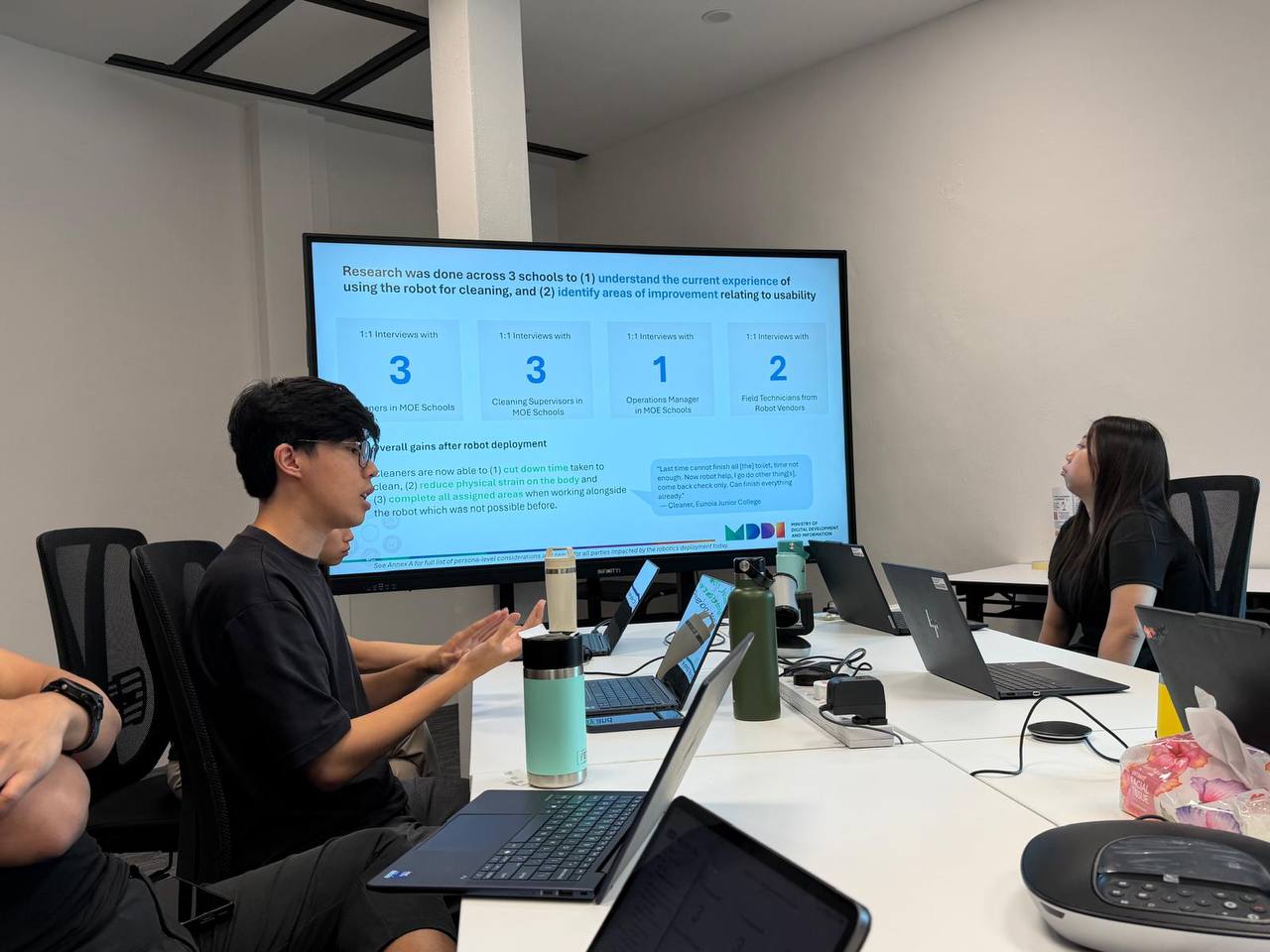
The interviews were designed to:
- Evaluate how frontline staff experience working alongside the robots day to day.
- Identify where adoption gaps show up across roles.
- Surface where the robot fits smoothly into workflows, and where it creates friction.
- Inform recommendations for broader public-sector service robot adoption.
I used contextual inquiry and 1:1 interviews, on site, during real shifts to observe the authentic reactions and ways that the cleaners operate the robots.
Through the user interviews, the findings were consolidated into common themes. From this, (1) missing system statuses, (2) the worry of making mistakes during interaction and (3) lack of multi-language capabilities were the main areas that lowered confidence to interact with the robot.
- No visibility of robot status7
- Worry of accidentally making mistakes when interacting with the robot6
- Interface not in preferred language6
- Insufficient or inaccessible training3
- No guidance when robot stops unexpectedly3
- Still reliant on engineer support2
Key Insights

01
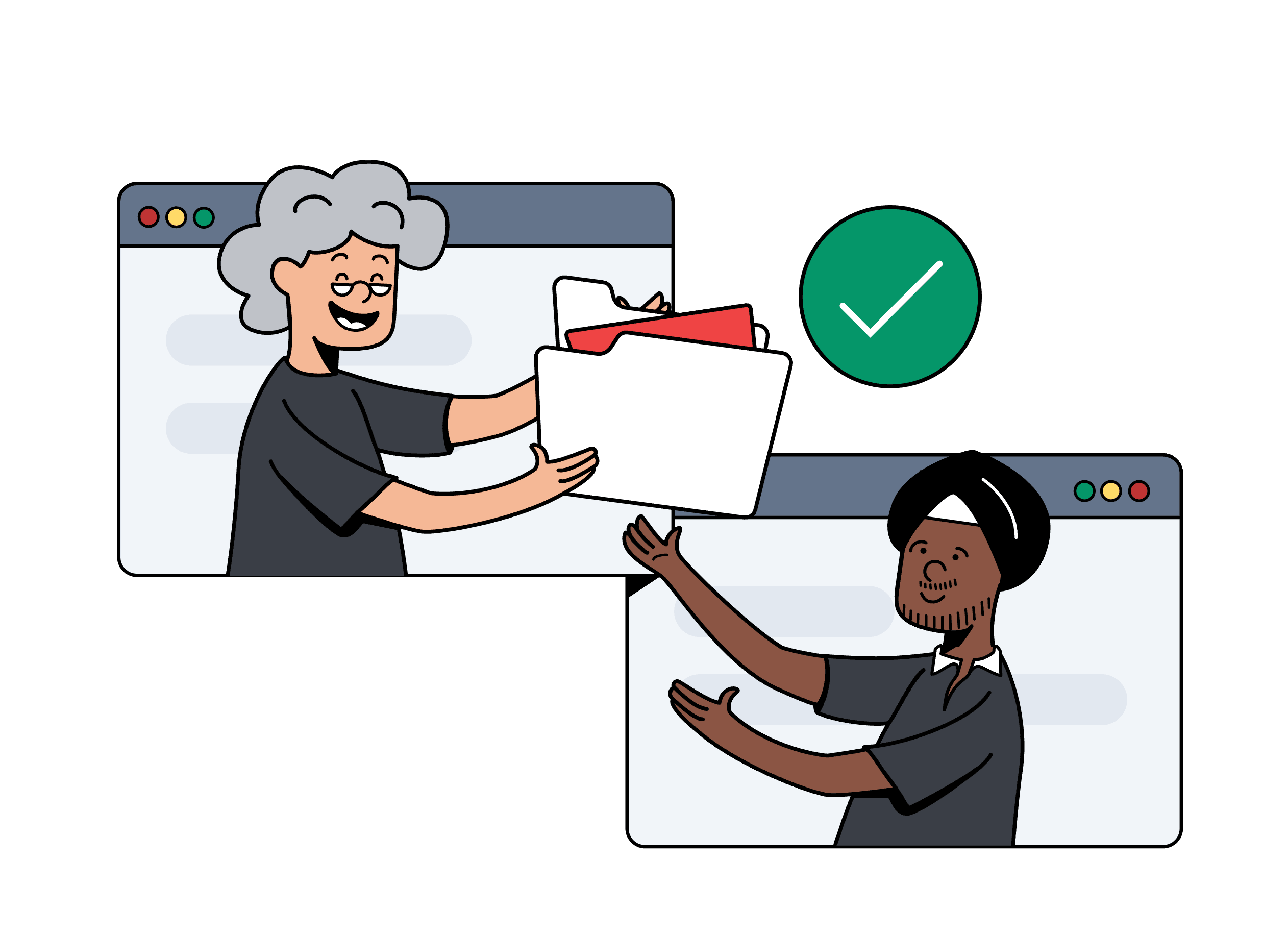
Trust in the robot's work is built through visible confirmation.
Even when the robot finishes correctly, staff don't feel sure about it unless they can see or check that success themselves. So they improvise their own ways of confirming: peeking at toilet lids, keeping track of how much time has passed.
“I know the timing: one hour, two hours. I just do other things, then come back.”
Cleaner, participating school
02
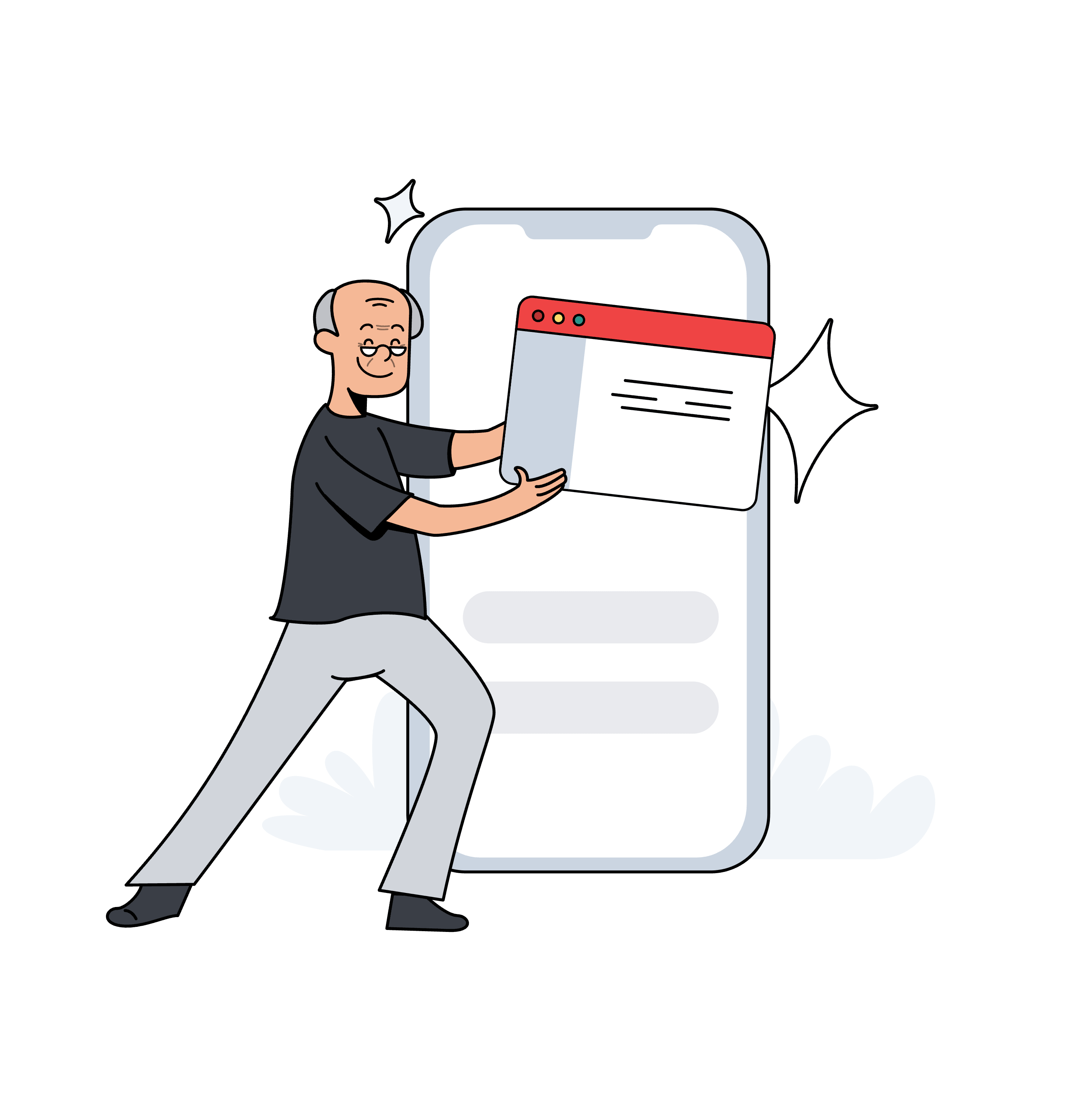
A lighter workload only feels lighter when people can understand everyone's responsibilities.
The robot and the cleaner are supposed to split the work, but that only saves time when both sides know what's actually done. If the robot can't flag what it missed, the cleaner ends up re-checking or repeating the task, which cancels out the time the robot was supposed to save.
“I open the door for it and press the lift. We work together one. But after it finishes, never tell me which one not clean. I have to go and check myself. If I know, I can just go straight to clean that one.”
Cleaner, participating school
03
Confidence to operate something new is shaped by understanding, prior experiences, and the fear of making mistakes.
Training alone doesn't explain who ends up comfortable using the robot. Language, past experience, and the fear of breaking an expensive machine seem to matter just as much.
“If I press the wrong thing, it's a problem. Maybe it only costs $1,000 to fix now, but if we break it, then it might take $2,000 or $3,000 to fix, and that would be a big problem.”
Cleaner, participating school
The Design Questions
How Might We…
…make the robot's work visible and clearly divided, so people can trust it and feel confident operating it, without extra effort?
Trust
Confidence in work no one witnessed.
Confidence
Comfort with the technology, regardless of background.
Clarity
Clear boundaries around who does what, and who's allowed to do it.
Who I Designed For
These are the two roles involved in each school's day-to-day operation of the robot.
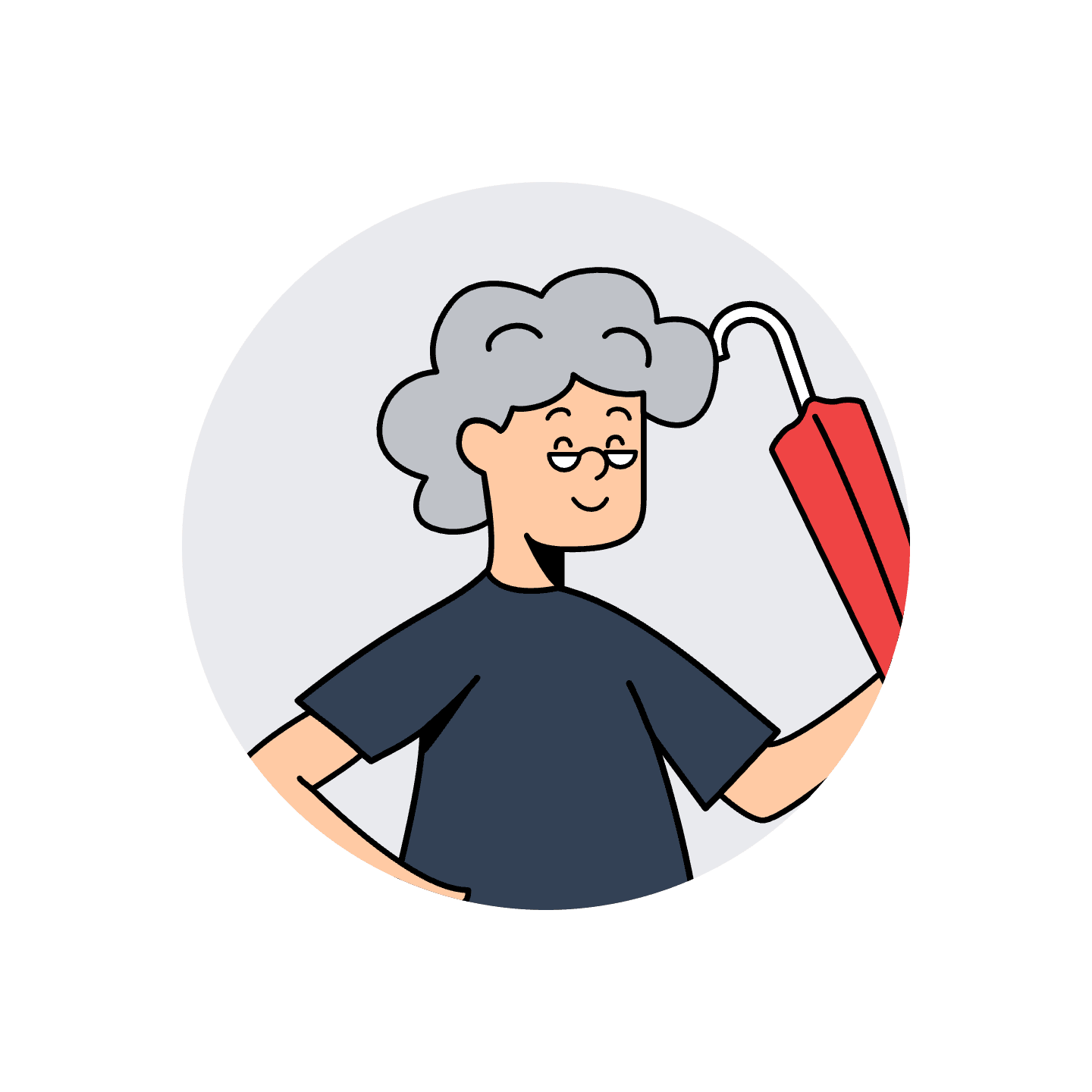
Mdm Chen Ya Yun
63 · Cleaner
Mandarin-dominant, limited English
Works alongside the robot directly, and is usually the first to notice when something's gone wrong.
Pain Points
- Can't tell what the robot finished, so she rechecks or redoes it herself.
- Worried that pressing the wrong button could damage the machine and get her blamed.
- Limited English makes on-screen instructions hard to follow.
Goals
- Trust that a finished task is actually done, without checking it herself.
- Know which parts of a task are hers versus the robot's.
- Feel confident operating the robot without fear of damaging it.
Needs
- Plain-language confirmation of what the robot has and hasn't done.
- Instructions in a language she's comfortable in, not just English.
- Reassurance that help is available without calling an engineer every time.
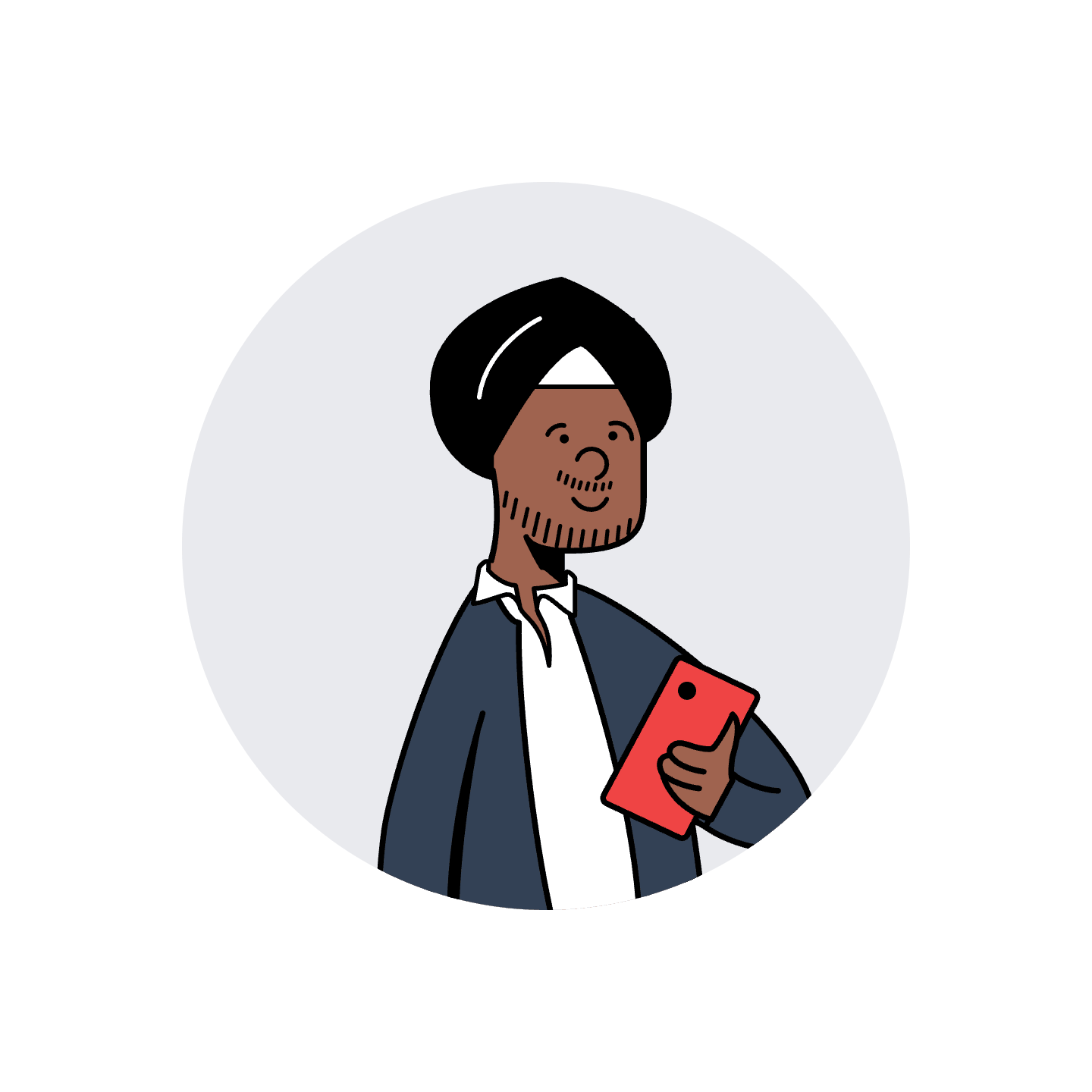
Mr Rajan Kumar
46 · Cleaning Supervisor
English and Tamil
Responsible for his team's performance across multiple zones, and usually the first point of contact when something breaks.
Pain Points
- Still has to walk the site to confirm work is done, since he can't check it any other way.
- Is the first point of contact when something breaks, even outside his team's control.
- Overseeing multiple zones makes it hard to spot problems quickly.
Goals
- Get a reliable handover of completed work at the end of each shift.
- Build his team's confidence operating the robot, not only his own.
- Spend less time reverifying work his team says is done.
Needs
- A quick way to confirm completed work without walking every zone.
- Confidence that his team can operate the robot on their own, not defer to him or an engineer.
- Consistent status information across all his zones.
What I Designed
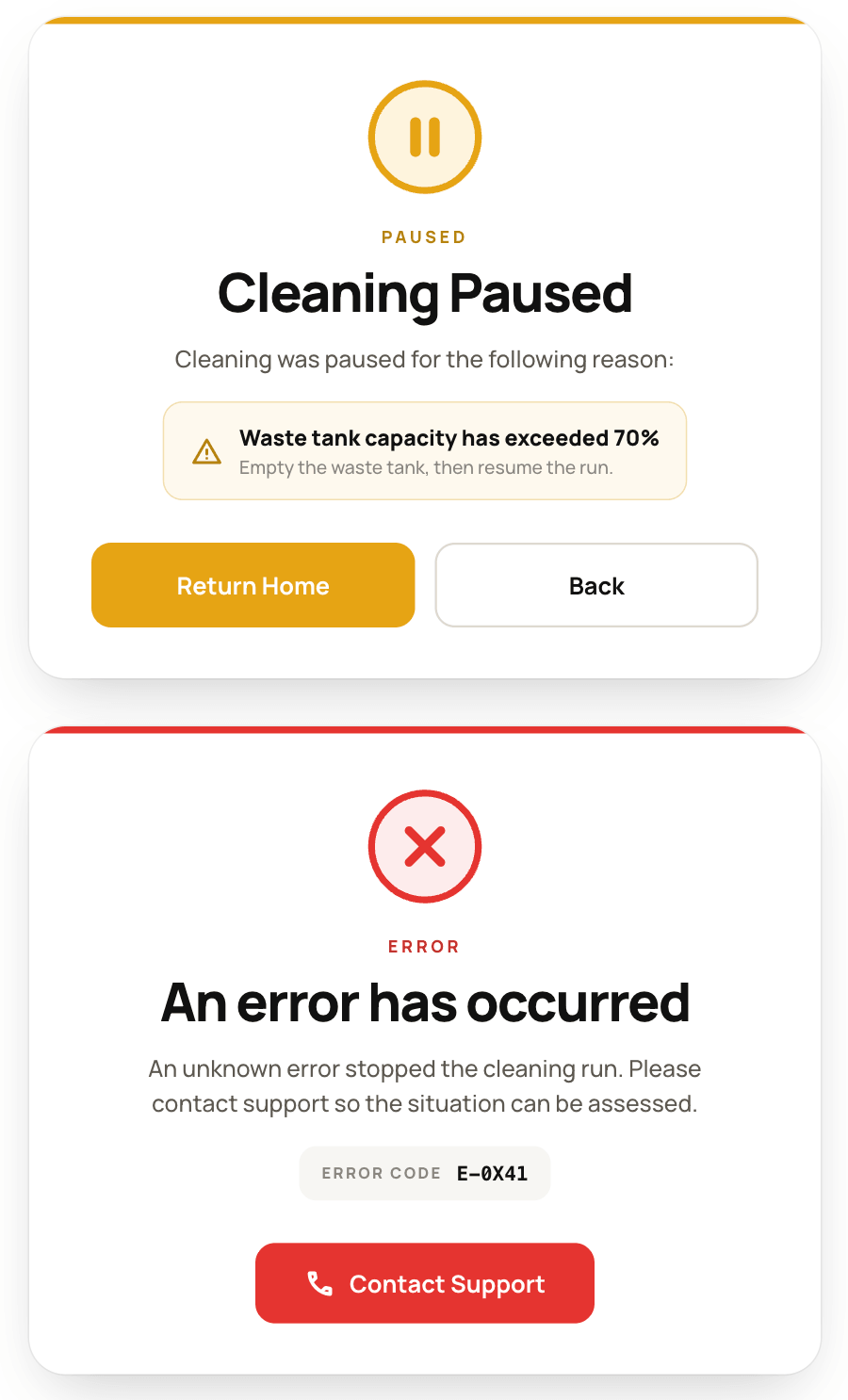
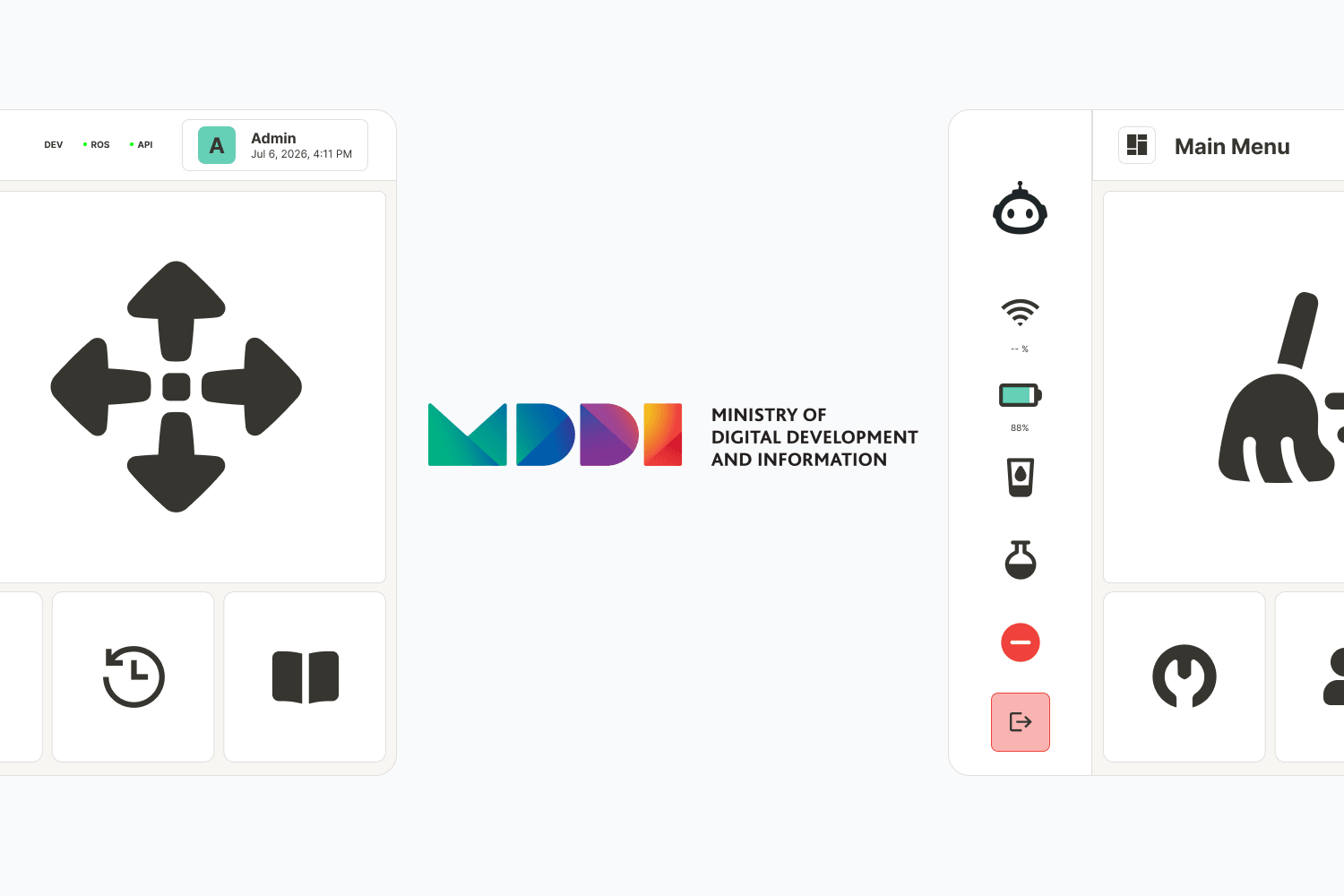
Plain-language status on the robot itself, a progress view that tracks each task, and a push notification the moment something changes.
Completion, pauses, and errors show up in plain language on the robot's screen, and the same update is sent to the operator's phone. Operators don't need to stand by the robot or walk back later just to check if a job is done.
A progression view tracks each cleaning task in order, so the operator always knows which task the robot is currently on.
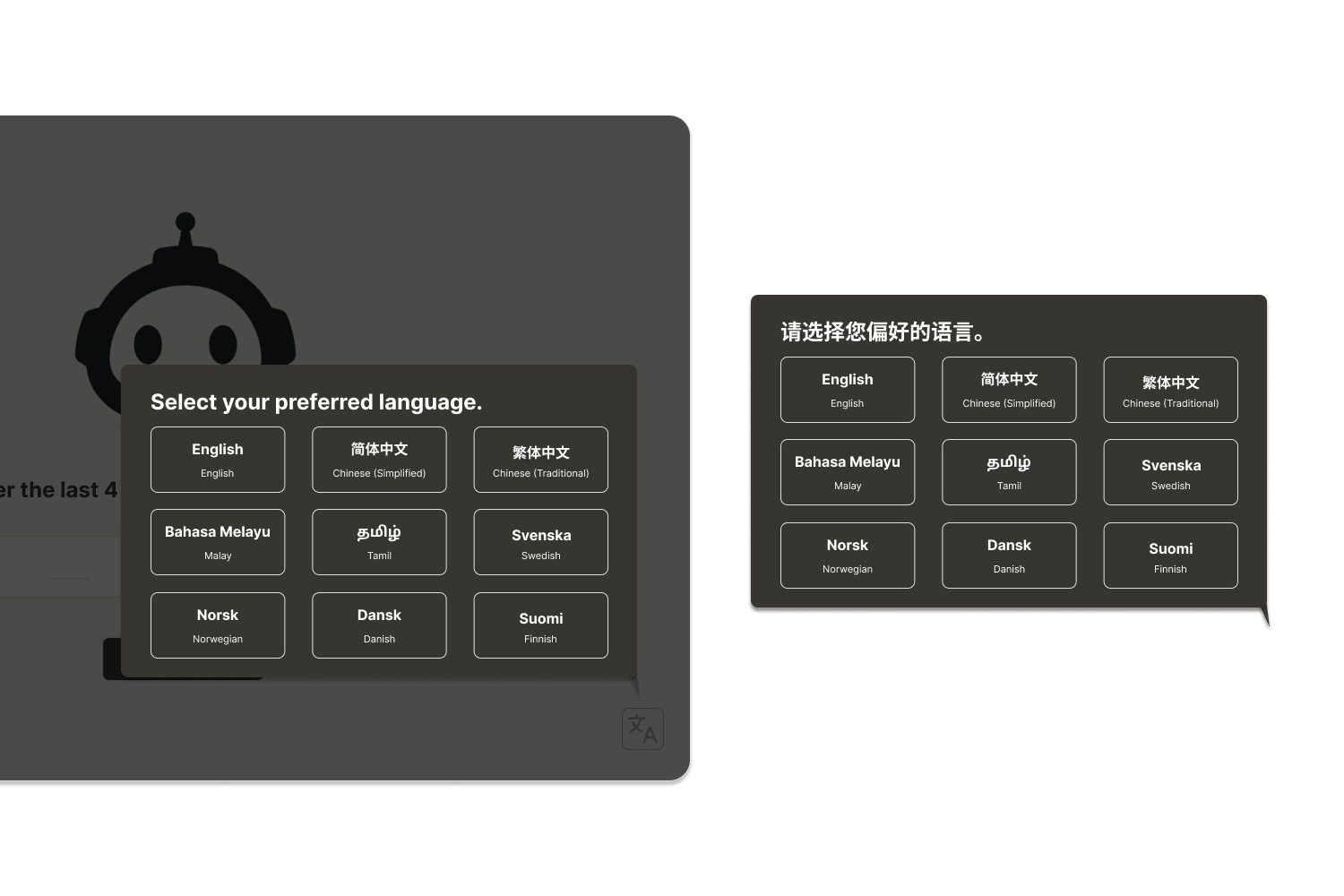
- Ability to change to a language you're comfortable in
A language picker on the very first screen, before the robot even starts operating, not three taps into settings.
Multiple languages are available, including Mandarin and Tamil. Operators can use the robot confidently in a language they're comfortable with, instead of relying on English.
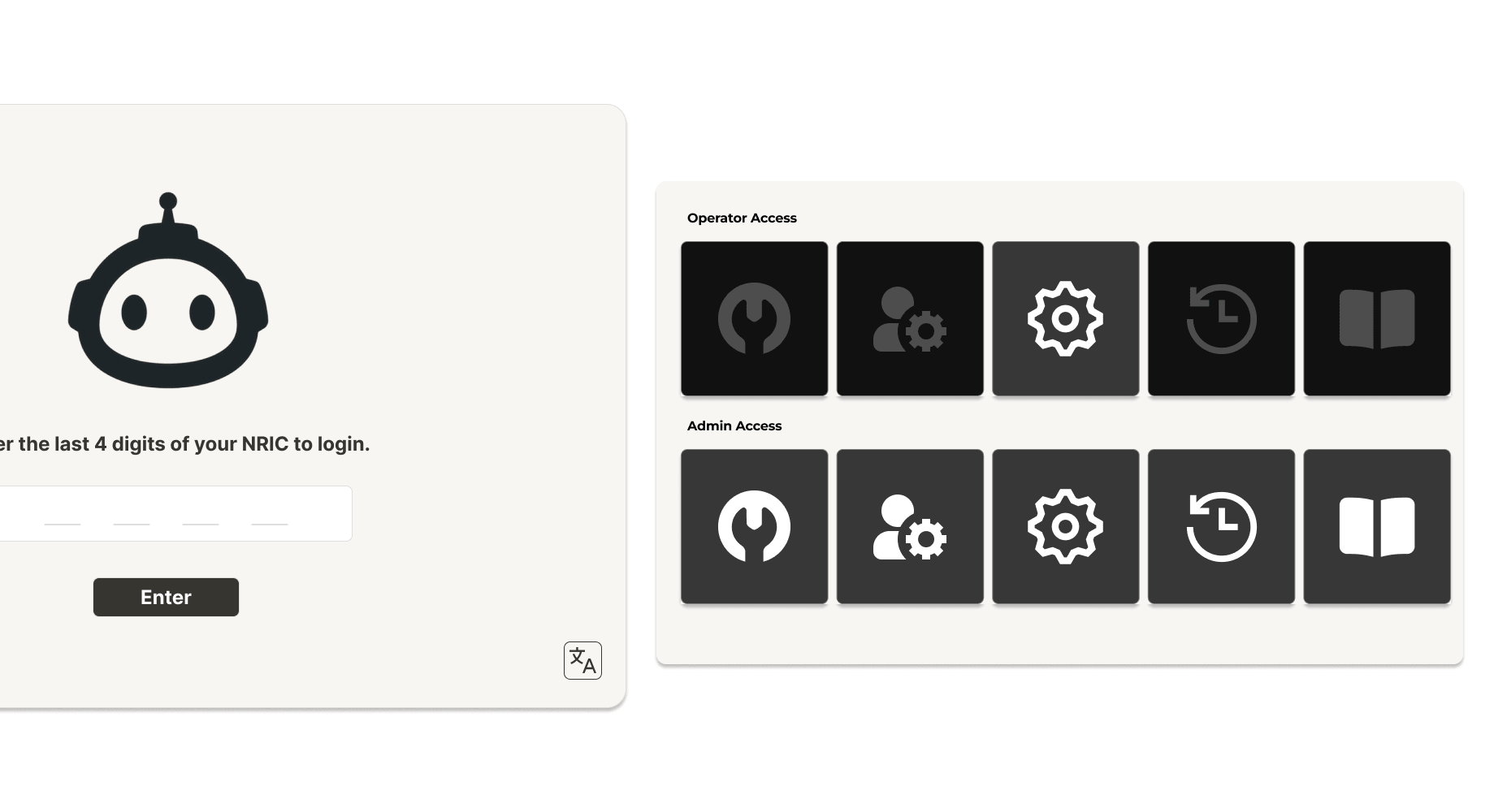
- A quick, low-friction login
- Fewer buttons, less overwhelm, more confidence
Role-based login that only enables the buttons each role actually needs, instead of showing every operator the same full admin panel.
Staff log in with just the last 4 digits of their NRIC. This lets the robot tell operators and admins apart, so each of them can be shown a different set of buttons.
Operators only see the clean, move, and basic settings buttons enabled; the higher-risk admin controls stay visibly disabled. Fewer buttons means less to take in, and more confidence that they won't press the wrong thing.
What Success Would Look Like
My internship ended before I could test these prototypes with users. However, these are the areas that I believe would show success:
- Fewer manual re-checks per shift, as staff learn to trust the completion status instead of re-verifying it themselves.
- Faster time to notice a skipped task, once the per-zone handover flags exactly what's still outstanding.
- Higher confidence operating the robot unaided, especially among staff who aren't comfortable in English.
Reflection
On designing for frontline workers
Most interface design for frontline workers assumes someone who's comfortable in English and used to apps. Talking to a cleaner whose first language is Mandarin made me realise how often that assumption gets baked in without anyone deciding it on purpose.
On designing for capability, not compliance
A lot of what I designed had to balance what the system needed to verify against what a cleaner could realistically do mid-shift. Asking someone to read a full sentence or tap through several screens sounds reasonable in a design review, but not when their hands are full and English isn't their first language.
On simplicity as the real usability win
My first instinct with every screen was to add more: more status detail, more controls, more explanation. But every extra tap or line of text was one more thing between a cleaner and getting back to work, and the better version was almost always the smaller one.